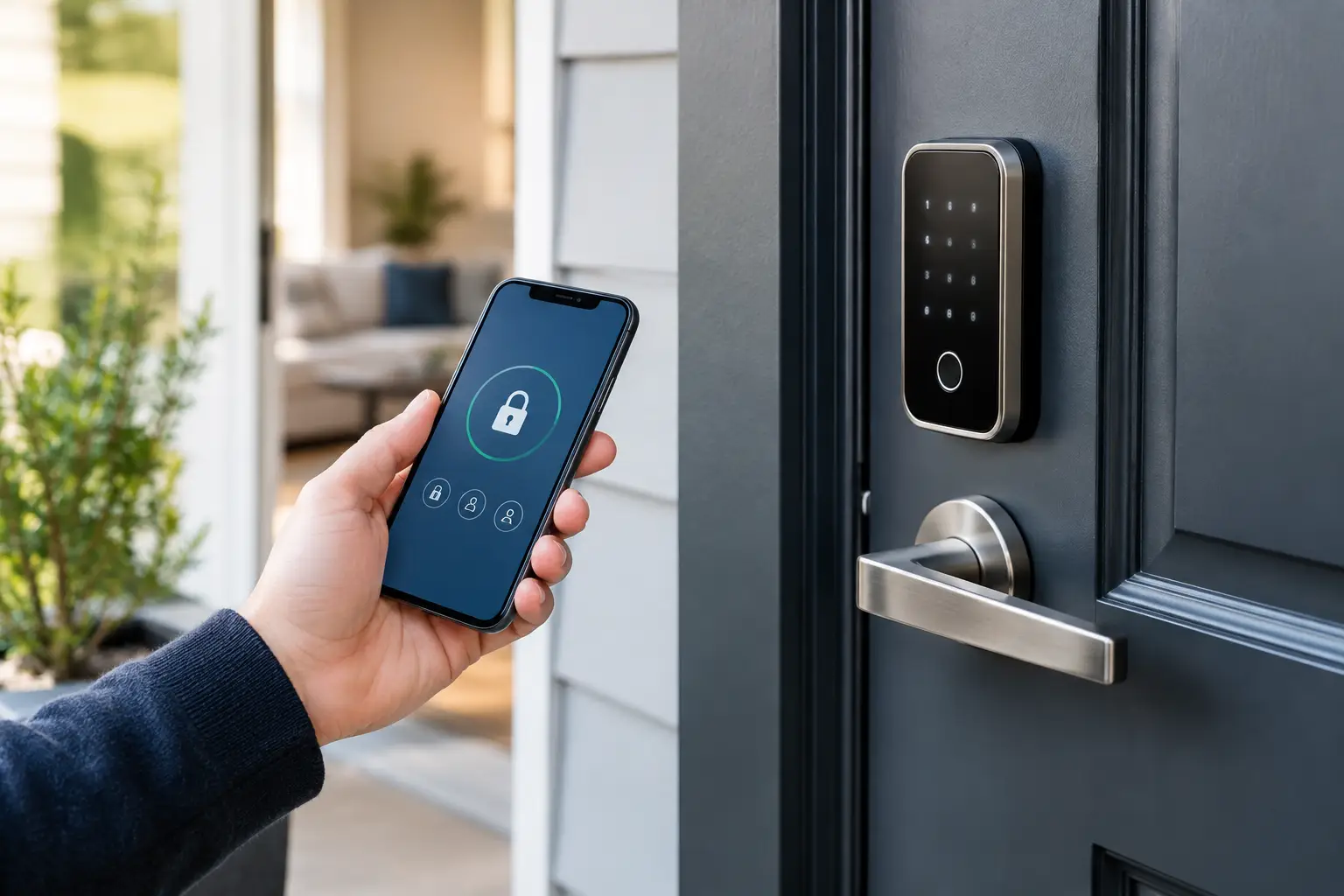
A smart lock can turn a front door into a clean access system: no spare key under the planter, no waiting at home for a dog walker, no guessing whether your teenager made it inside. It can also create a new failure point if the setup is treated like a gadget purchase instead of a home-security decision. Smart lock security is not determined by the logo on the box. It comes down to the physical door, the account behind the app, the people with access, and the recovery plan when something fails.
For most households, the right goal is not maximum automation. It is controlled convenience. A good setup lets the right people enter at the right times, leaves a useful record, and still works when the Wi-Fi is down, a phone battery dies, or a vendor has an outage.
Start With the Door, Not the App
The digital features get the marketing attention, but the door assembly determines whether the lock has a meaningful job to do. A connected deadbolt mounted on a weak strike plate, loose frame, or hollow exterior door does not solve the core problem. It only adds remote controls to it.
Before selecting a lock, inspect the deadbolt, door frame, hinges, and strike plate. Exterior strike plates should be secured with long screws that reach the framing, not short screws that only grip trim. Check that the deadbolt fully extends without forcing the door into position. Misalignment causes battery drain, motor strain, failed locks, and eventually the kind of workaround that defeats the system: leaving the door unlatched because the lock is annoying.
Choose a lock with a physical key override unless there is a deliberate reason not to. Keyless-only models can work well for some properties, but they demand more discipline around battery monitoring and emergency access. A conventional keyway introduces its own risk, particularly if old keys are circulating, yet it remains a practical fallback for many homes. The best choice depends on who uses the door and how likely they are to need help during an outage.
Check Lock Compatibility Before You Buy
Measure the door thickness and backset, and verify whether the existing deadbolt has a separate bore hole. Also consider the climate. Extreme cold, rain exposure, direct sun, and coastal air can affect batteries, keypads, finishes, and moving parts. A lock that performs well on a sheltered suburban entry may be a poor fit for an exposed rental or a high-traffic urban building.
If you rent, get written approval before modifying hardware. If you own a condo, check association rules and confirm whether the building uses an intercom, common access system, or fire-rated door with restrictions.
Smart Lock Security Depends on Identity Controls
A physical key is anonymous once it leaves your hand. Digital access can be much more controlled, but only if each person gets an individual credential. Do not create one shared PIN for the entire household and then hand it to guests, cleaners, contractors, relatives, and neighbors. That turns an otherwise useful audit trail into noise.
Set up separate codes or app access for each regular user. Use scheduled, expiring codes for service providers and guests. A cleaner who arrives every other Tuesday should not need permanent, unrestricted access. A visiting friend should not receive the same permissions as a co-owner. The operational advantage is simple: when circumstances change, you remove one credential instead of changing the whole system.
Treat your lock account like a financial account. Use a unique, long password stored in a reputable password manager, then enable multi-factor authentication if the manufacturer offers it. If the lock platform supports multiple administrators, keep that group small. An administrator can often add users, change settings, view logs, and potentially reset access. Most people who need to enter your home do not need that level of control.
Review access quarterly, and immediately after a breakup, move-out, staff change, lost phone, or completed renovation. This is not paranoia. It is basic access hygiene, similar to removing a former employee from a business dashboard.
Make the Network Boring and Secure
The lock may communicate through Bluetooth, Wi-Fi, Thread, Z-Wave, Zigbee, or a bridge that connects to your router. The protocol matters less than maintaining the system properly. A well-supported product with a clear update process is generally a better long-term bet than a bargain lock with vague security documentation and a neglected app.
Keep the router firmware current and use WPA3 where available, or WPA2 with a strong, unique wireless password. Avoid placing the lock on an open or poorly managed guest network unless the manufacturer specifically supports that architecture. A separate network for smart-home devices can be useful for advanced households, but segmentation is not magic. It still requires proper router configuration, updates, and password discipline.
Do not buy a lock solely because it integrates with every voice assistant and automation platform. Every integration is another permission path to evaluate. If voice control is enabled, require a spoken PIN for commands that can unlock an exterior door. Better yet, limit voice assistants to lock-status checks and locking commands. Asking a speaker to unlock the front door is convenient, but the security gain is often marginal compared with using the phone app or keypad directly.
Update Before an Incident Forces You To
Enable automatic firmware updates if the vendor provides them, or set a recurring reminder to check manually. These updates may fix security vulnerabilities, improve battery behavior, or resolve connectivity bugs. Before buying, look at the vendor’s record: Does it publish support timelines? Does it provide clear security advisories? Is the lock still receiving updates several years after launch?
Smart-home hardware has a longer life cycle than phones. A manufacturer that treats its app and cloud service as an afterthought can turn a working lock into a maintenance burden. Paying more for a company with credible support is often cheaper than replacing a neglected device early.
Build Failure Modes Into the Setup
The most common smart lock problem is mundane: dead batteries. The second is human error. Someone leaves with the backup key, forgets a PIN, changes the household Wi-Fi without reconnecting the bridge, or assumes an app notification means the door physically latched.
Create a simple backup plan before relying on the lock. Keep a mechanical key with a trusted nearby person or in a secured, purpose-built lockbox away from obvious sightlines. If the model supports emergency external power, make sure household members know how it works and where the required battery or cable is kept. Test the manual key override at least twice a year. Keys and cylinders can seize when they are never used.
Also decide what happens when the internet fails. Most quality locks can still be operated at the keypad or over local Bluetooth, but remote control and notifications may disappear. That is usually acceptable. A front-door lock should fail into a usable local state, not turn into a cloud dependency for getting home.
Battery alerts should go to more than one responsible adult where possible. Replace batteries on a planned schedule rather than squeezing every last week from them. Use the battery type recommended by the manufacturer, and do not mix old and new cells. Rechargeable batteries may have lower voltage characteristics than a lock expects, so check the manual before using them.
Use Automations Carefully
The tempting smart-home workflow is auto-unlock when your phone arrives and auto-lock after you leave. Both can be useful, but they deserve testing before becoming permanent. GPS geofencing can be imprecise around apartments, dense neighborhoods, and shared driveways. Phone-based presence can also fail when a battery dies, permissions change, or someone leaves a device at home.
Auto-lock is generally lower risk than auto-unlock, provided the door sensor correctly detects whether the door is closed. Start with a short delay and observe the behavior for a week. If family members regularly take out trash, carry packages, or move between garage and yard, an overly aggressive timer can create frustration and unsafe lockouts.
Notifications should be selective. Alerts for every lock and unlock event can become background noise, which makes a genuinely unusual event easier to miss. Prioritize forced-entry warnings, repeated failed code attempts, low battery status, and access outside a scheduled window. A useful security system reduces ambiguity. It does not bombard you with data.
The Right Standard Is Recoverable Control
No consumer smart lock makes a home invulnerable. A determined intruder may target a window, exploit poor exterior lighting, follow someone through a gate, or take advantage of an unlocked side door. The lock is one layer in a broader home-security system that includes sound physical hardware, habits, lighting, and awareness.
The smarter standard is recoverable control. You should be able to see who has access, remove that access quickly, enter during a network failure, and verify that the door is actually secured. If your setup can do those things without requiring a household IT department, it is doing its job.
Set the system up once with care, then review it when life changes. That is where a smart lock earns its place: not as a flashy front-door accessory, but as a practical control point for a home that has more moving parts than it used to.