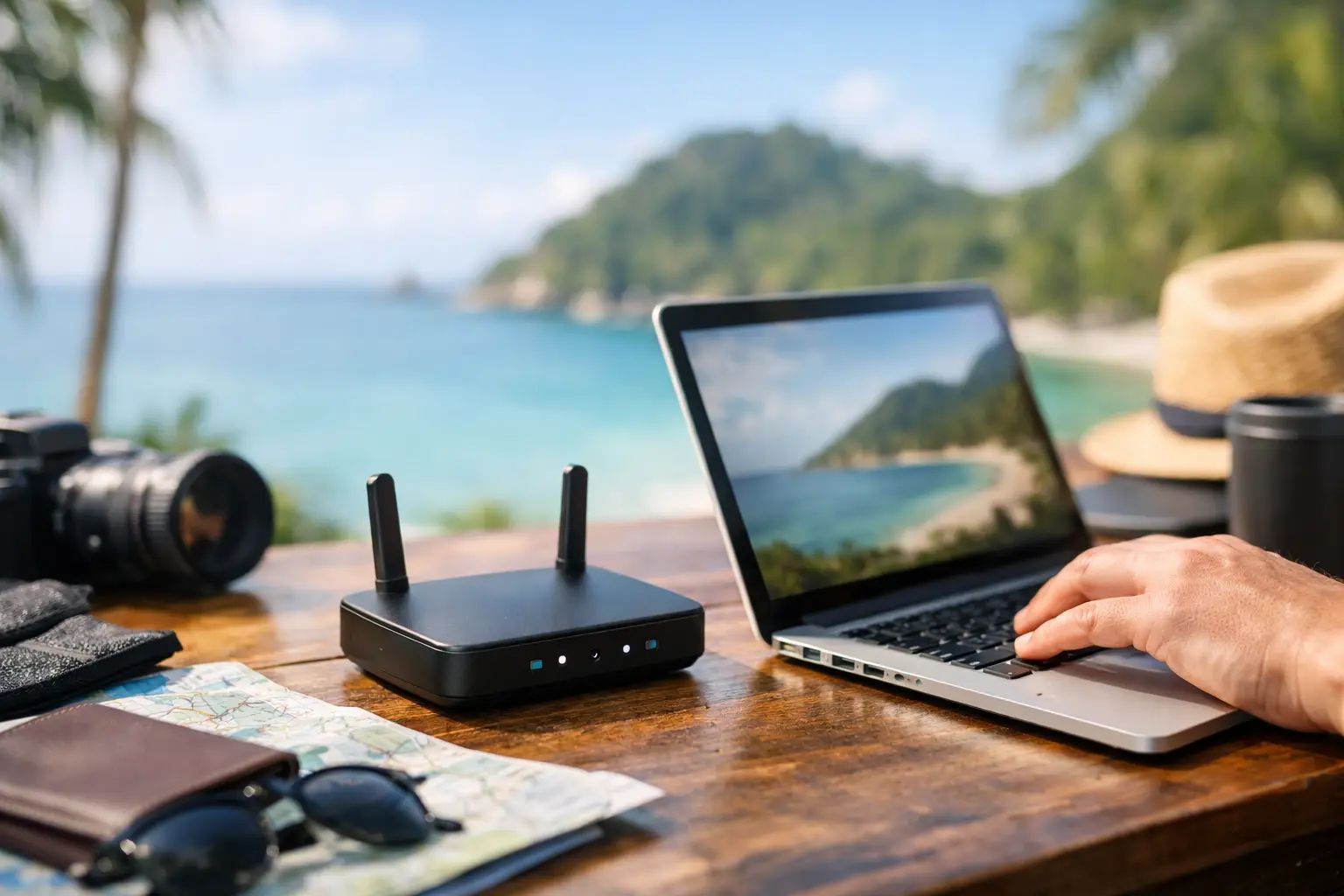
Hotel Wi-Fi usually fails at the exact wrong moment. It holds steady while you clear email, then collapses when you join a client call, upload a large file, or try to route traffic through your VPN. That is why a travel router for remote work is not a niche gadget anymore. For anyone building a serious mobile setup, it is basic infrastructure.
The difference is not just convenience. A good travel router gives you one controlled network across hotels, Airbnbs, coworking spaces, and airport lounges. Your laptop, phone, tablet, and any smart accessories connect the same way every time. You authenticate once with the local network, then work inside your own private layer instead of trusting whatever captive portal the property provides.
This matters most for people who treat travel like an operating environment, not a vacation exception. If your income depends on stable video calls, secure logins, cloud apps, and quick recovery when a network gets flaky, the router becomes part of the workflow. The question is not whether you need one. It is which kind actually fits the way you work.
Why a travel router for remote work matters
Public and semi-public networks create three recurring problems. The first is instability. Hotels often have overloaded access points, weak signal distribution, or strange room-to-room performance. The second is friction. You connect every device separately, re-enter credentials, deal with splash pages, and repeat the process every time you change locations. The third is security. Even if the property is legitimate, you are still operating on a shared network you do not control.
A travel router addresses all three. It connects to the upstream internet source, then rebroadcasts a private Wi-Fi network for your devices. That sounds simple, but the practical payoff is huge. Your hardware only needs to remember one SSID and password. Your devices stay isolated from the broader local network. And some routers let you choose the best source on the fly, whether that is hotel Ethernet, tethered phone data, a public hotspot, or a USB modem.
For remote workers, that flexibility matters more than raw speed. A stable 50 Mbps line with low drama beats a 300 Mbps network that randomly kicks you off Zoom.
The features that actually matter
Marketing pages love theoretical throughput numbers. Ignore most of them. For a travel router for remote work, the useful questions are operational.
Start with WAN flexibility. The best units can accept internet from multiple sources, including Ethernet, repeater mode, USB tethering, or cellular modem support. That gives you redundancy. If the hotel Wi-Fi is weak, Ethernet may save the day. If the property internet is unusable, your phone or data SIM becomes the backup path.
Next is VPN performance. Many remote workers rely on a corporate VPN, a personal privacy VPN, or both. Some travel routers can run VPN client connections at the router level, which means all your devices pass through the same tunnel. That is convenient, but it also puts real load on the hardware. A router that looks great on paper may slow to a crawl once encryption is enabled. If VPN is central to your workflow, processor strength matters more than flashy antennas.
Wi-Fi standard matters too, but not in the way most buyers think. Wi-Fi 6 is useful, especially in crowded environments, yet older Wi-Fi 5 travel routers can still perform well for solo travelers if the firmware is stable and the WAN options are strong. If you routinely carry several devices and work in dense urban properties with noisy RF conditions, Wi-Fi 6 is worth paying for. If your setup is lean and your bottleneck is hotel internet quality, the jump may be less dramatic.
Then there is setup quality. This is underrated. A good interface saves time when you arrive late, the room signal is weak, and you need to be online in five minutes. Clear admin controls, easy repeater mode, and reliable reconnection behavior matter more than an overbuilt spec sheet.
Best travel router for remote work: what to prioritize by use case
There is no universal winner because remote work setups split into three camps.
The first is the light mobile operator. This is the person with a laptop, phone, earbuds, and maybe a tablet, working from hotels for a few days at a time. For this user, compact size, fast setup, USB power, and stable repeater mode are the core priorities. You do not need a brick in your bag. You need something that works every time and disappears into the kit.
The second is the bandwidth-heavy creator or consultant. This person runs video meetings daily, syncs large files, uses cloud editing tools, and often works with a camera, external storage, and secondary devices. Here, better processors, stronger VPN throughput, and more reliable multi-device handling matter. Slightly larger hardware is a fair trade if it reduces friction during production days.
The third is the long-stay digital nomad or family traveler with work attached. This setup may include two adults working, kids streaming, smart devices, and a local SIM-based backup plan. In that case, the ideal router behaves more like a miniature home network. Ethernet ports, better thermal performance, stronger radios, and cellular failover support become much more valuable.
That is where many buyers make the wrong call. They shop for the smallest travel router available, then expect it to function like a home office gateway under load. Portability matters, but only up to the point where it starts undermining uptime.
Travel router for remote work in hotels, rentals, and coworking spaces
Hotels are the classic use case, but they are also the messiest. Some require room-number logins, some use captive portals, and some throttle devices aggressively. A capable router simplifies this by letting you authenticate once and then route your private network through that connection. Still, not every property plays nicely. Some portals expire often, and some block certain device types. In those cases, routers with solid repeater compatibility and quick admin access are the easiest to live with.
Short-term rentals are usually easier, especially when you can plug directly into an Ethernet port on the provided modem or router. That single cable can outperform the rental’s weak wireless signal by a wide margin. If you book longer stays, it is worth checking listing photos for network gear placement. A beautiful apartment with a router stuffed in a utility closet can still be a bad remote-work base.
Coworking spaces are different. The internet is often fast, but the environment is crowded. Network congestion, device density, and aggressive firewall settings can all create odd behavior. In these spaces, a travel router is less about extending range and more about keeping your personal setup consistent and compartmentalized.
Security without paranoia
You do not need to turn every hotel stay into a cybersecurity exercise, but you should stop assuming the network around you is neutral. A travel router gives you a controlled perimeter. That helps with device isolation, predictable DNS settings, and easier VPN enforcement across your setup.
Still, the router is not magic. If you use weak passwords, skip software updates, or rely on outdated encryption, you are just adding another box to the chain. The smarter approach is simple: keep firmware current, use a strong admin password, disable features you do not need, and decide whether your VPN belongs on the router, the device, or both. If your company requires endpoint-level VPN software anyway, router-based VPN may be redundant.
There is also a practical trade-off here. More security layers can mean more troubleshooting. For a one-night hotel stop before an early meeting, simplicity may be the better system.
A smarter packing decision than most gadgets
Remote workers often overpack accessories and underinvest in network control. They carry extra chargers, camera gear, folding stands, and backup batteries, then trust mission-critical calls to the same unstable property Wi-Fi every other guest is using raw. That is backwards.
A travel router earns its space because it reduces repeated friction. It shortens setup time in every new location, gives your devices a familiar network, and creates options when the primary connection goes sideways. That last part is the real value. Good travel gear is not about novelty. It is about removing avoidable points of failure.
If your work on the road is casual, your phone hotspot may be enough. If your calendar includes client meetings, shared documents, large uploads, and any kind of deadline-sensitive communication, a travel router is easier to justify than most of the gear people call essential.
The best one is not the model with the loudest specs. It is the one that matches your load, supports your backup plan, and lets you stop thinking about the network once the workday starts. That is the standard worth paying for.