A weak webcam can survive a bad background. It rarely survives bad lighting. Grain, harsh shadows, washed-out skin tones, and the familiar blue cast of an office monitor all make a competent professional look less prepared than they are. The best webcam lighting kits fix that problem before you replace a camera, upgrade your internet plan, or spend an hour adjusting software filters.
For video calls, livestreams, remote teaching, and client-facing content, lighting is the highest-leverage hardware upgrade on the desk. The right setup does not need to look cinematic. It needs to make your face clear, your eyes visible, and your workspace consistent at 8 a.m. or 8 p.m.
What Makes a Webcam Lighting Kit Worth Buying
A good webcam light is not simply bright. It is controllable. You want adjustable brightness, adjustable color temperature, a stable mount, and enough diffusion to avoid creating hard shadows or shiny hotspots on your forehead.
Color temperature matters more than most buyers expect. A light around 4,000K to 5,000K generally looks natural in a home office, while a 5,600K daylight setting can work well beside a bright window. The problem comes when the room contains mixed light: warm ceiling bulbs, cool monitor light, and daylight from one side. In that setup, even an expensive camera will produce odd skin tones.
Also pay attention to physical footprint. Large panel lights are more flattering than tiny clip-on lights, but they consume desk space. A ring light creates a fast, clean result for solo calls, but it can produce reflections in glasses. The right choice depends on your work surface, recording schedule, and how polished the final video needs to be.
The 7 Best Webcam Lighting Kits by Workflow
1. Elgato Key Light Air for the Organized Desk Setup
The Elgato Key Light Air is a strong choice for professionals who spend most of the day on video and want a permanent lighting system rather than another accessory to unpack. Its compact LED panel design produces softer, more directional light than a basic ring light, and its desk clamp keeps the surface clear.
The system is particularly useful for hybrid workers, consultants, and streamers because brightness and color can be adjusted without interrupting a call. Place one panel slightly above eye level and 30 to 45 degrees off-center. If you add a second panel, run it at lower brightness on the opposite side to soften facial shadows.
The trade-off is cost. This is not the value option, and its clamp-based design is best for a desk with a usable rear edge.
2. Lume Cube Broadcast Lighting Kit for Executive Calls
The Lume Cube Broadcast Lighting Kit is built for people who need to look reliable on camera without turning a home office into a production studio. Its appeal is the balance of output, portability, and easy positioning. It gives you more control than a webcam-mounted light while remaining less cumbersome than full-size softboxes.
This is a practical kit for virtual sales calls, job interviews, podcast appearances, and remote leadership teams. The light quality tends to flatter faces because it is broad enough to reduce the sharp, under-eye shadow common with small LEDs.
Use it as a single key light, not directly centered on the lens. A slight angle gives your face dimension while keeping the image professional. For glasses wearers, raise the light a little higher and tilt it downward to reduce lens reflections.
3. Neewer 2-Pack LED Panel Kit for Creators Who Need Range
Neewer’s two-panel LED kits remain a sensible buy for creators who record more than Zoom calls. They offer a flexible foundation for YouTube explainers, product demonstrations, online courses, and talking-head video where a single light can look flat.
The core advantage is separation of roles. One panel becomes the key light. The second can serve as fill light, background light, or a light aimed at a wall to create a brighter, cleaner-looking environment. That flexibility is difficult to get from a ring light.
This option asks more of the user. You need room for two stands, and cheap tripods can be awkward in a tight apartment office. Still, if video is part of your business workflow, a two-light panel system is usually a more durable investment than continually upgrading small USB lights.
4. Razer Key Light Chroma for Streamers and Gaming Setups
The Razer Key Light Chroma is designed for desk-bound creators who want strong front lighting plus the option to build a more stylized set. It is especially useful for streamers who have RGB peripherals, darker rooms, or a background that needs subtle color separation.
For ordinary work calls, keep the front light neutral and restrained. RGB belongs behind you, not on your face. A cool blue or warm amber background accent can add depth, but colored key lighting often makes skin look artificial and distracts from the person speaking.
The clamp mount is a real benefit in gaming setups where monitors, microphones, and boom arms already compete for space. Its limitation is that the extra software and color features are unnecessary if your only goal is clearer conference video.
5. Logitech Litra Glow for Small Desks and Laptop Calls
The Logitech Litra Glow is not a full studio kit, but it is one of the most useful compact webcam lighting options for people who work from a laptop or move between rooms. It is designed to sit near the screen, uses minimal space, and provides more flattering diffusion than the average clip-on light.
This is the right call when portability matters more than maximum output. Think hotel-room work sessions, shared apartments, kitchen-table offices, and travel-heavy roles. It will not overpower direct midday sunlight, but it can make evening calls and dim offices look significantly better.
Keep expectations realistic. A small light close to the camera creates a fairly flat image. That is often ideal for meetings, but less compelling for creator video where you want separation from the background.
6. UBeesize Ring Light Kit for Fast, Low-Cost Improvement
A UBeesize-style ring light kit is the pragmatic entry point for someone who needs better video this week without overthinking the setup. These kits typically include a ring light, tripod, phone mount, and basic remote control, making them useful for social content as well as webcam meetings.
Ring lights work because the light source surrounds the camera position, reducing shadows across the face. The result is even and forgiving, especially for short-form video, virtual appointments, and casual creator work.
The limitation is visual character. Ring lights can make faces look flat, and the circular catchlight can be obvious in glasses or close-up recordings. Choose a larger ring when possible, set it slightly above eye level, and do not run it at full power unless the room is genuinely dark.
7. SmallRig LED Video Light Kit for Flexible Hybrid Work
SmallRig LED video lights are a better fit for users who want a modular setup. A compact light can mount to a mini tripod, monitor arm, camera rig, or desk stand, then move into a travel bag when needed. Many models support adjustable color temperature and include diffusers or softening accessories.
This route works well for digital nomads, creators filming product shots, and professionals who alternate between laptop calls and camera-based recording. The light is not tied to one desk layout, which is its main advantage.
The trade-off is that modular gear requires intentional setup. You may need to buy a separate stand, power solution, or diffusion accessory. It rewards people who want control, not buyers looking for a one-box answer.
Build the Setup Before You Buy More Gear
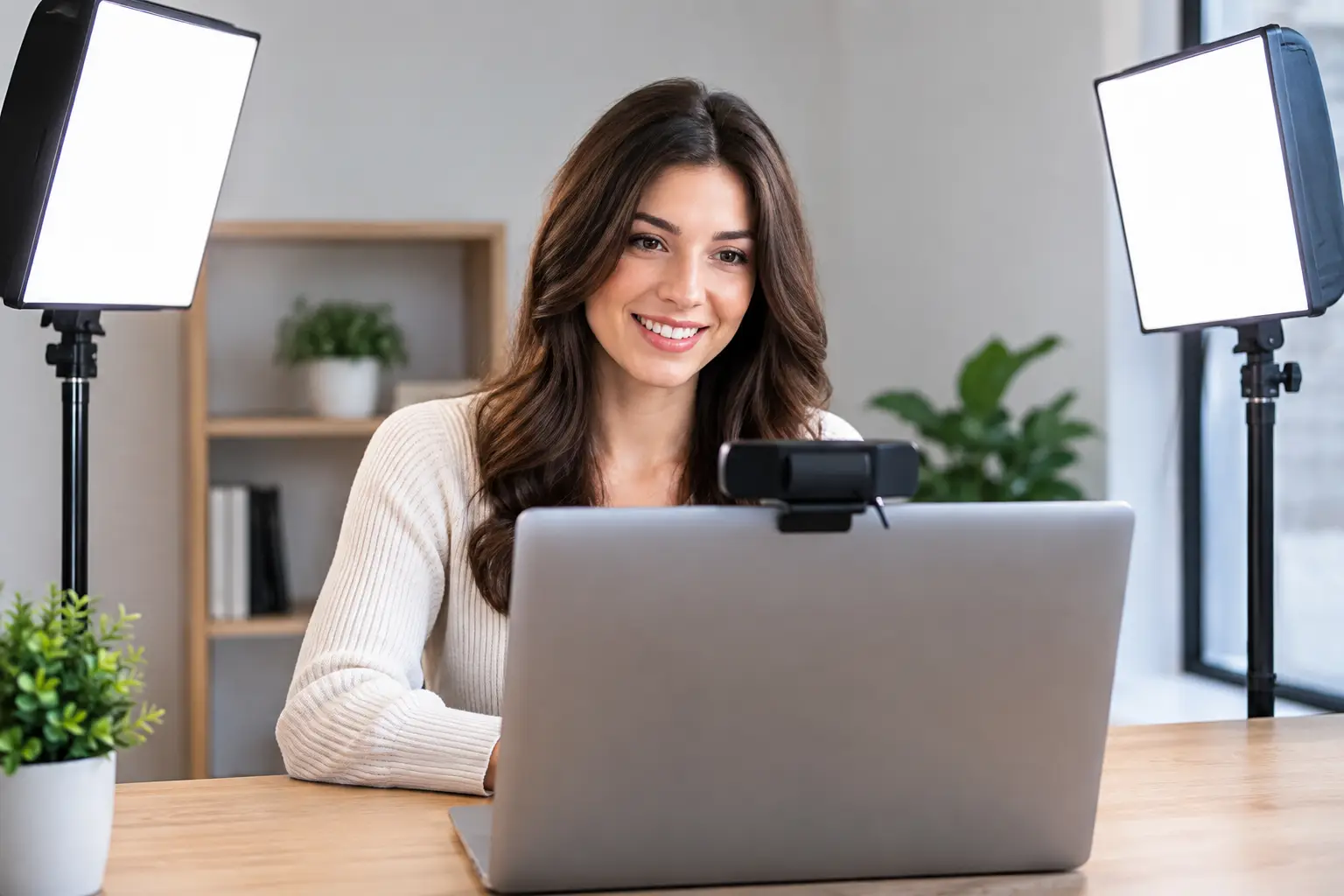
Most webcam lighting failures are placement failures. Start by turning off overhead lighting if it creates deep eye sockets or a bright shine on your hair. Put your primary light just above eye level, slightly to one side of the camera, and lower the brightness until your face is clear without looking bleached out.
Then check the background. If you sit against a dark wall, even a modest lamp aimed behind you can create enough separation to make the frame feel intentional. If your background is bright, especially a window, either face the window or close the shade and control the light yourself. Sitting with a window directly behind you forces the webcam to expose for the bright area, leaving your face dull or nearly silhouetted.
For a standard work desk, one quality panel light is usually enough. For client-facing content, two panels create a more reliable result. For streaming or course production, add a background light only after the front light is doing its job.
The Buying Decision That Saves Money
Do not buy the brightest kit. Buy the kit that fits your physical workspace and your repeatable routine. A light that takes five minutes to assemble will spend most of its life in a closet. A clamp-mounted panel that stays in position will improve every call with almost no additional effort.
If your work is mostly meetings, prioritize diffusion, desk mounting, and quick brightness control. If you create content, prioritize two-light flexibility and stands that can be positioned beyond the edges of your desk. If you travel, choose a compact light with USB-C power and a small tripod.
The camera sees what your audience sees: whether you appear present, clear, and ready to lead the conversation. Set the light once, mark the preferred position on your desk, and let the system do its job every time the webcam turns on.