If you run payments away from a fixed counter, a Clover Flex review matters more than a spec sheet. This device lives or dies on speed, battery life, receipt handling, and whether staff can use it without slowing the line. Clover Flex looks polished and modern, but the real question is simpler: does it make mobile checkout easier enough to justify the cost and the lock-in that often comes with Clover?
The short answer is yes for some operators, not for all. Clover Flex is a strong handheld POS for service businesses, food counters, events, and retail teams that need to take payments anywhere on-site. It is less compelling for owners who want maximum processor freedom, the cheapest monthly cost, or a highly customized software stack.
Clover Flex review: where it fits best
Clover Flex works best in businesses where the payment terminal needs to move with the employee. Think quick-service restaurants running line-busting during a lunch rush, salons checking clients out from the chair, market vendors taking tap payments at events, or service teams collecting payment at the table or curbside.
That portability changes workflow in ways that matter. You reduce queue friction. You can close out a sale where the customer is standing instead of pulling them back to a register. In some environments, that alone increases throughput enough to justify the hardware.
Where Clover Flex struggles is in highly price-sensitive setups or businesses that need broad processing flexibility. Clover is usually sold through merchant service providers, and the experience can vary depending on who sold you the account. That means the device itself may be good while the contract, fee structure, and support quality depend heavily on the reseller.
The hardware is the strongest part
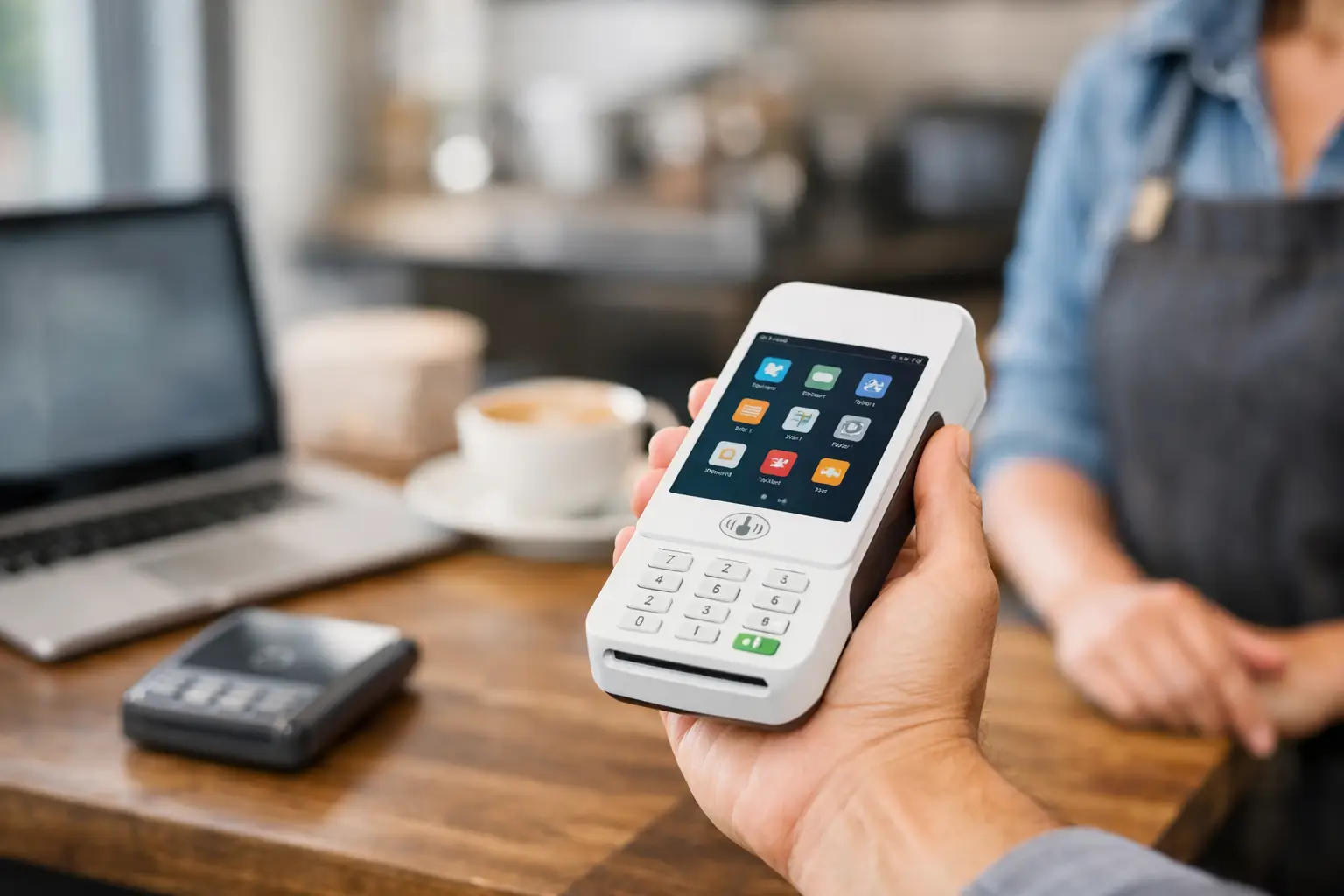
As a piece of hardware, Clover Flex is one of the better-looking handheld payment devices on the market, but the finish is not the point. What matters is that it combines a touchscreen, card reader, barcode scanner, receipt printing, and Wi-Fi or LTE connectivity in one unit that is easy to carry.
For many small businesses, that all-in-one setup removes clutter. You do not need a separate card reader hanging off a phone. You do not need to jury-rig a mobile checkout station with multiple accessories. Staff can grab one device and start taking orders or payments.
The built-in receipt printer is more useful than it first appears. In real operations, especially food service and field work, customers still ask for a printed receipt more often than software vendors like to admit. If you need paper receipts on demand, Clover Flex handles that cleanly.
Battery performance is decent, though not magical. It generally holds up through normal business use, but heavy printing, constant LTE usage, and full-day rush periods will test it. If your team runs long shifts, you should think operationally and plan charging stations or spare device rotation rather than assume one Flex lasts forever.
Software experience: efficient, but inside the Clover ecosystem
Clover’s software is designed to feel straightforward, and for basic retail and service workflows it succeeds. The interface is approachable, employees can learn core functions quickly, and common actions like ringing up items, taking contactless payments, tipping, and emailing receipts are not buried.
That said, simplicity has a ceiling. Clover is best when your business maps reasonably well to the platform’s standard retail, service, or light restaurant logic. If your operation has unusual pricing rules, highly specific reporting needs, or complex integrations, you need to inspect the app ecosystem carefully before buying.
This is where many owners make the wrong call. They test the hardware, like the checkout flow, and assume software depth will scale automatically with the business. Sometimes it does. Sometimes it turns into a patchwork of add-on apps and monthly charges that chip away at the original value proposition.
For owner-operators who want one system for payments, basic inventory, employee permissions, and customer-facing checkout, Clover Flex is functional and easy to deploy. For system obsessives who want deep control, it can feel a bit boxed in.
Payments, fees, and the real cost question
This is the part of any Clover Flex review that deserves the most scrutiny. The hardware price is only the visible layer. Your actual cost depends on device purchase terms, software plan, payment processing rates, and any contract attached by the merchant services provider.
That provider relationship is the key variable. Some businesses get fair terms and a clean setup. Others end up with long agreements, early termination language, or processing rates that look acceptable at first but become expensive as volume grows.
If you are comparing Clover Flex against Square, Toast Go devices, or a tablet-based mobile setup, do not stop at monthly software pricing. Model your expected card volume, average ticket size, percentage of tap versus keyed transactions, and whether you need LTE service. A handheld POS that saves a few seconds per order can be worth more than a lower monthly fee in a high-turnover environment. On the other hand, if you run light volume, premium hardware can become dead weight.
The disciplined way to evaluate Clover Flex is to ask for the full stack in writing: hardware cost, monthly software fee, processing schedule, PCI or statement fees, LTE charges if applicable, and support terms. If a seller avoids specifics, that is your answer.
Day-to-day workflow advantages
Clover Flex earns its keep when you look at movement inside the business. At a counter, a fixed terminal is fine. On a floor, in a queue, at an outdoor booth, or in a service setting, handheld checkout changes the pace of the operation.
In retail, staff can assist and close the sale without walking the customer back to a register. In food service, you can take payments while managing line pressure. In salons and appointment-based businesses, checkout at the point of service feels cleaner and more personal. In field services, collecting payment on-site improves cash flow and reduces invoice lag.
These gains are not flashy, but they are real. Good systems are often about removing one awkward step from the customer journey. Clover Flex does that well.
The trade-offs you should not ignore
The first trade-off is ecosystem dependence. Clover can be efficient once installed, but it is not the best choice if your strategy depends on keeping processor options wide open. Many businesses only discover this after they are already trained on the system.
The second is cost layering. The base promise sounds simple: portable POS, easy checkout, all-in-one hardware. The reality can include software tiers, app fees, and processing terms that vary more than buyers expect.
The third is durability under rough use. Clover Flex is portable, but it is still a touchscreen payment device, not a warehouse scanner built for abuse. If your environment is chaotic, humid, greasy, or outdoor-heavy, think about cases, charging discipline, and device management from day one.
Who should buy Clover Flex
Clover Flex makes sense for small and midsize businesses that want a professional handheld POS without building a mobile checkout system from separate parts. It is a smart fit for cafes, food stalls, salons, boutique retail, pop-up operators, and service businesses that collect payment where the customer is.
It also works well for owners who value a polished customer-facing experience and want staff training to be straightforward. If your business needs speed, portability, and an integrated printer in one unit, Clover Flex has a real edge.
Who should skip it
If your top priority is the lowest possible operating cost, you should compare hard against simpler mobile readers and tablet-based setups. If your top priority is payment processor freedom, Clover may feel restrictive. If your operation is highly complex and integration-heavy, you may outgrow the convenience faster than expected.
That does not make Clover Flex a bad product. It just means the device is best when your workflow matches its strengths instead of forcing it into a role it was not built for.
Final verdict on Clover Flex
Clover Flex is a good handheld POS with strong hardware, fast checkout, and genuine workflow value for mobile or semi-mobile businesses. Its biggest weakness is not the device. It is the ecosystem around pricing, processing, and reseller variability.
If you evaluate it like an operator instead of a casual buyer, the decision becomes clearer. Ignore the glossy demo. Look at queue reduction, payment speed, battery reality, receipt needs, monthly software costs, and contract terms. If those line up with your business model, Clover Flex is a smart tool. If they do not, the sleek form factor will not save the economics.
The best POS is rarely the one with the best marketing. It is the one that fits the way your business actually moves.