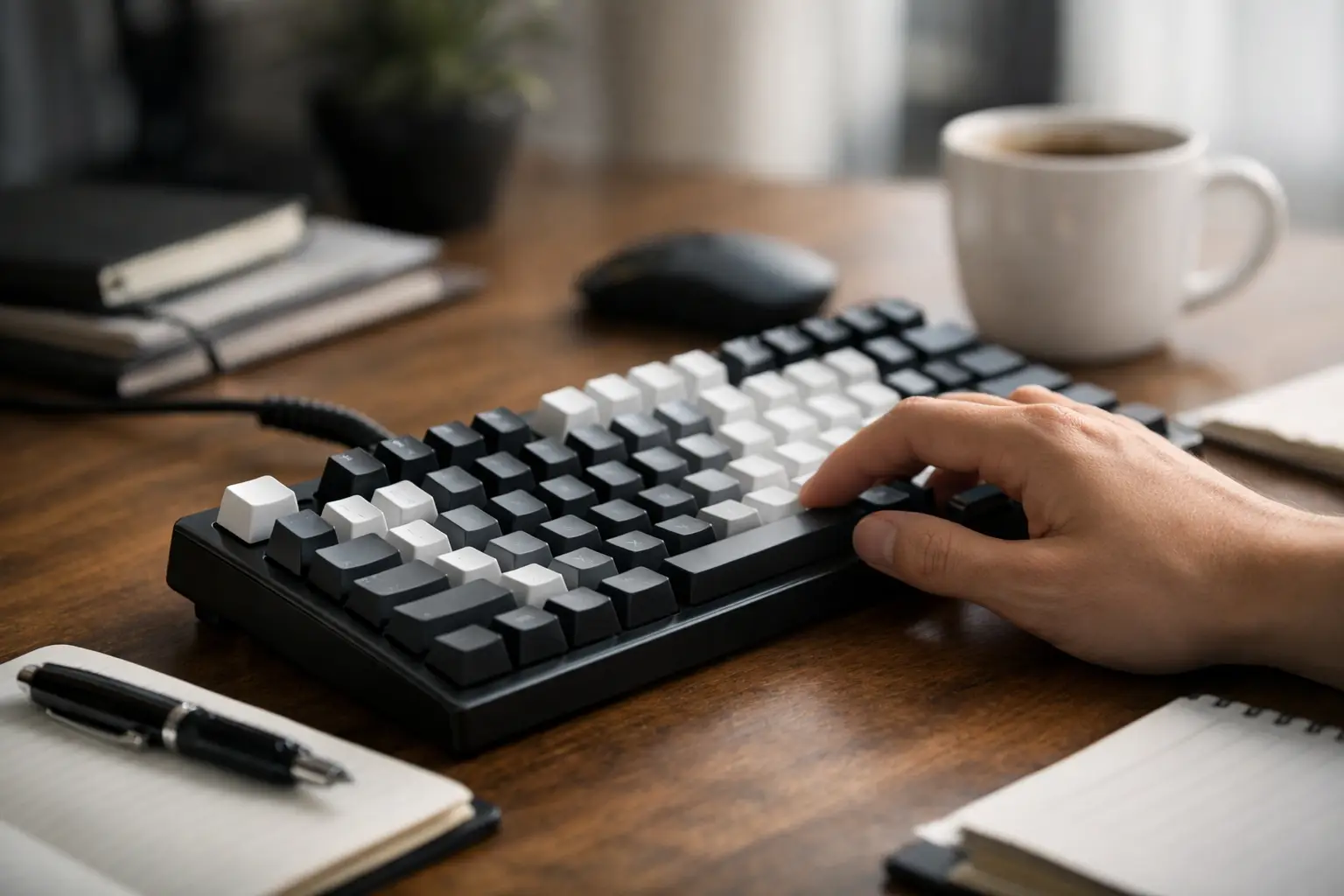
A writer can tolerate a mediocre keyboard for an afternoon. Try doing it through a book draft, a demanding client week, or six hours of editing and the flaws become obvious. The wrong switch turns every paragraph into resistance. The wrong layout makes revision shortcuts awkward. The wrong height can leave your wrists complaining before the work is done.
This mechanical keyboard review for writers looks at the choices that matter after the novelty wears off: fatigue, sound, key feel, layout efficiency, and the ability to focus around other people. The headline finding is simple: writers do not need the loudest, fastest, or most aggressively marketed board. They need a keyboard that makes sustained input feel predictable.
What writers should judge first
Gaming keyboard marketing tends to prioritize response time, RGB lighting, and aggressive styling. Those factors have little to do with drafting a long article or restructuring a manuscript. Writing is a repetition task. You are pressing thousands of keys while trying to preserve an uninterrupted line of thought.
The best writing keyboard reduces physical and mental friction. That means a stable case that does not flex, keycaps with readable legends, a layout that makes editing commands natural, and switches that register without demanding force. It also means accepting that preference is personal. A tactile switch that feels precise to one writer can feel like a speed bump to another.
For most professionals, the first decision is not brand. It is whether the keyboard belongs in a shared office, a home office, or a private room where noise is irrelevant. The answer changes the switch recommendation immediately.
The switch test: feel matters more than speed
Switches are the mechanism beneath each key, and they determine nearly all of a mechanical keyboard’s personality. For writers, there are three useful categories.
Linear switches move smoothly from top to bottom, with no bump or click. Red-style linears are common, but lightweight versions can cause accidental presses when you are resting your fingers on the home row. A medium-weight linear is often a better writing choice. It feels clean and quiet, especially when paired with sound-dampening foam, but offers less confirmation that a keypress happened.
Tactile switches include a noticeable bump during the press. This is the best starting point for many writers because the feedback helps establish rhythm without requiring a loud click. The catch is that tactility varies wildly. Some tactile switches have a rounded, gentle event. Others have a sharp bump near the top that can become tiring during a long revision session. If possible, test the bump rather than trusting labels such as “brown” or “tactile.” Those terms are categories, not quality standards.
Clicky switches provide tactile feedback plus an audible click. They can be satisfying for solo work, and some writers enjoy the deliberate cadence. In a call-heavy household, coworking space, or open office, they are usually a bad system decision. The noise travels through rooms and microphones. A keyboard that annoys everyone nearby will eventually be used less, no matter how good it feels.
For sustained writing, a light-to-medium tactile switch is the safest recommendation. A smooth medium linear works just as well for writers who prefer a quieter, more fluid stroke. Avoid choosing based on a viral sound test. Microphones exaggerate keyboard acoustics and do not reveal force, wobble, or fatigue.
Mechanical keyboard review for writers: the layouts that hold up
A full-size keyboard includes a number pad. It is useful for finance work, invoicing, spreadsheets, and data entry, but it pushes the mouse farther to the right. For a writer who also edits in a CMS, manages source files, and uses a mouse constantly, that extra reach adds up.
A tenkeyless, or TKL, layout removes the number pad while keeping dedicated arrow keys and the navigation cluster. It is the most practical all-purpose format for writers. You retain Home, End, Page Up, Page Down, Insert, and Delete, which are valuable in long documents and spreadsheet-adjacent work. The mouse moves closer to your body, and the board remains easy to use without relearning your muscle memory.
A 75 percent layout is nearly as capable in a smaller footprint. It typically retains function keys, arrows, and a compact navigation area. This is an excellent choice for writers with limited desk space or those building a portable work setup. The trade-off is tighter key spacing around Delete, Page Up, and Page Down. Spend a week editing on one before assuming compact means efficient.
Sixty-five percent boards are attractive, portable, and often beautifully designed. They also remove keys that many writers use frequently. You can access missing commands with function layers, but layers are a tax on editing speed. They are better for writers who mostly draft and less ideal for editors, analysts, and operators who live in documents all day.
The hardware details that change a workday
Keyboard height gets ignored until wrist extension becomes a problem. Many premium mechanical boards are taller than basic office keyboards because of their cases and keycap profiles. If your wrists bend upward while typing, use a palm rest that brings your hands into a more neutral position. A palm rest should support the heel of your hand between bursts of typing, not force your wrists to stay planted while you type.
Keycap profile also affects comfort. Cherry-profile caps are relatively low and sculpted, making them a solid fit for traditional desk setups. OEM profile is common and familiar, though its taller rows can feel less controlled for some users. Low-profile mechanical boards reduce the need for a palm rest and travel well, but they usually offer fewer switch and keycap customization options.
Build quality is not just an enthusiast concern. A heavy, rigid case stops the board from moving during fast work. Well-lubed stabilizers prevent the spacebar, Enter, Backspace, and Shift keys from rattling. Those large keys are hit constantly in prose work. If they sound hollow or feel unstable, the keyboard becomes irritating far sooner than a casual review suggests.
Wireless connectivity deserves a practical standard. Bluetooth is convenient for switching among a laptop, tablet, and desktop, but it can be less reliable in crowded wireless environments. A 2.4 GHz receiver usually offers a more dependable work connection. Wired USB-C remains the simplest option for a fixed desk, particularly if you never switch devices. Do not pay extra for multi-device support unless it solves a real workflow problem.
Three keyboard directions worth considering
The Keychron Q and V lines are strong options for writers who want standard layouts, hot-swappable switches, and a more substantial feel than typical office boards. The Q series is heavier and more premium, while the V series is a more cost-conscious entry point. A TKL or 75 percent model with quiet tactile switches is a sensible configuration for most desk-bound professionals.
Logitech’s MX Mechanical is a practical pick for people who value low-profile typing and multi-device switching over deep customization. It is less of a hobbyist keyboard, but that is not a weakness. For a laptop-first writer moving among devices, its familiar workflow can be more useful than a heavier custom board.
HHKB-style compact keyboards have a devoted following among programmers and text-focused professionals because of their efficient Control-key placement and exceptional key feel. They are not a universal recommendation. Their compact layout requires adaptation, and writers who rely on dedicated arrows or navigation keys may find the learning curve unnecessary. For the right person, though, the reduction in finger travel can become genuinely addictive.
Set it up like a writing tool, not a desk accessory
Once you choose a board, spend 15 minutes configuring it. Remap Caps Lock to Control if you use shortcuts heavily. Set a single, unobtrusive backlight level if you work at night. Disable distracting lighting effects. If the board supports multiple layers, create one only for commands you actually use, such as media controls or a secondary device switch.
Then test it under real workload conditions. Write for 90 minutes, edit a complex document, answer messages, and use your normal browser shortcuts. Pay attention to your shoulders, wrists, and accuracy rate, not just initial enjoyment. The best keyboard is the one you stop noticing because your ideas are moving faster than your hands.
A mechanical keyboard is not a productivity miracle. It is a piece of daily infrastructure. Choose the layout that respects your editing habits, the switch that supports your pace, and the sound profile your environment can tolerate. Good writing already asks for enough attention. Your keyboard should not ask for any more.