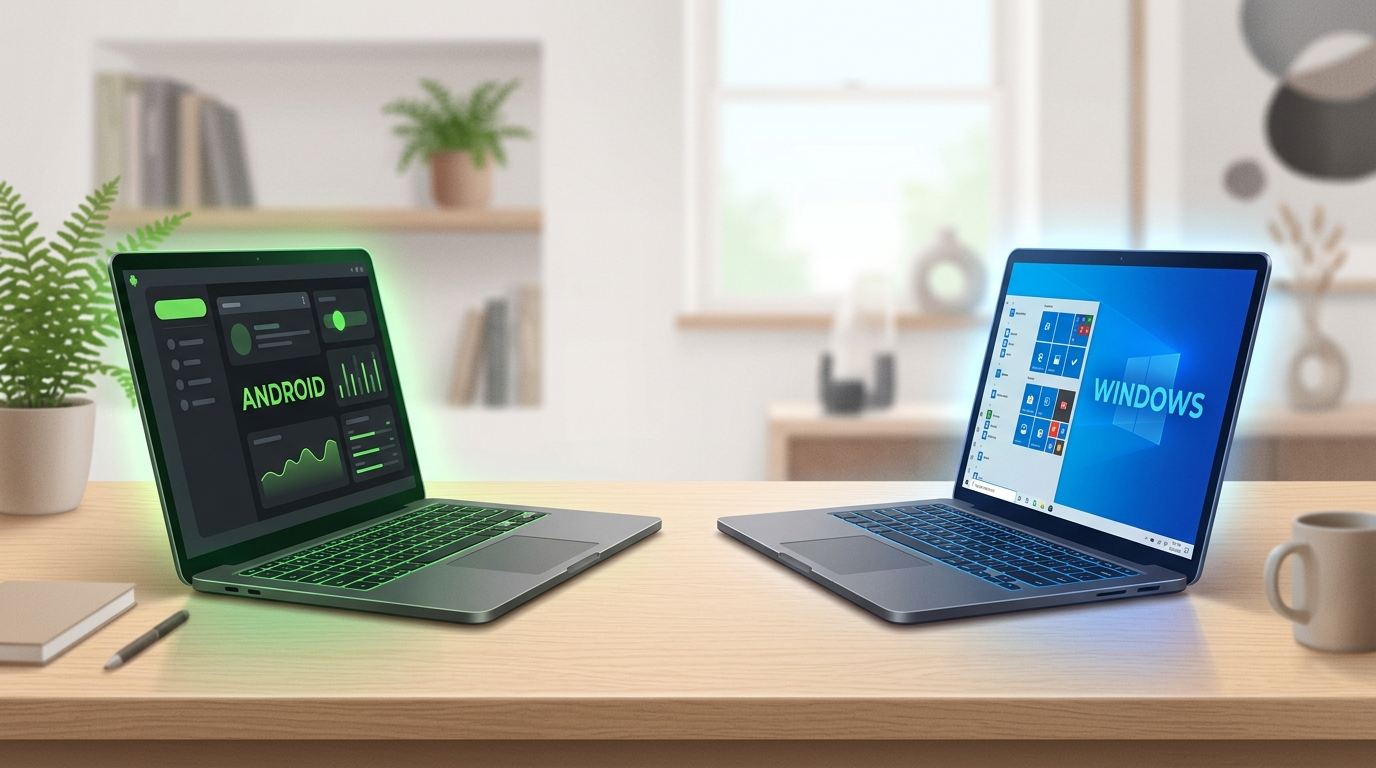
A few days before Google actually pulled the trigger on this, I was having a conversation about where this was all heading. Android PC vs Windows 11 was not a headline yet. It was a hunch. Then on September 21, 2026, Google made it official and unveiled the Googlebook, a new laptop category that runs on a merged Android and ChromeOS platform, with the first machines from Acer, Asus, Dell, HP and Lenovo starting at 899 dollarsand shipping from October 4. So this is not a thought experiment anymore. It is a real product sitting on a real shelf, and it forces a real question for anyone about to buy a laptop this year. Do you go Windows 11, or do you try the Android PC that Google just built. Forbes
I want to walk you through how I thought about this, because the conversation that led here covers almost every angle a buyer or a business owner actually cares about. Not the spec sheet fluff. The stuff that decides whether a machine earns its place on your desk.
What Google Actually Shipped
For years Chromebooks ran Android apps inside a kind of container, a virtual box bolted onto the side of ChromeOS. It worked, technically, but it always felt like it. Touch controls were clumsy, windows resized badly, and there was a constant tax on performance because you were basically running two operating systems stacked on top of each other.
What Google did with the Googlebook is different. Instead of layering Android on top, they moved the whole platform to run natively on the Android stack, an effort that was internally known as Aluminium OS before Google gave the hardware line its consumer name, with the project confirmed publicly at Qualcomm’s Snapdragon Summit in September 2025. On the finished machines, Android sits inside the underlying platform itself instead of running as an app layer bolted on top of a separate operating system, and that is not a small technical footnote. It is the difference between a phone pretending to be a laptop and a laptop that was actually built with phone level app support baked into its bones. Starry HopeH2S Media
The first wave of hardware backs this up. The launch machines carry 16 to 32GB of RAM, OLED touchscreens, and Google is bundling a decade of OS updates plus its AI Pro subscription with the early units. On the software side you get features like Magic Pointer, which lets Gemini act on whatever is under your cursor, a task switching tool called Rambler, a phone to laptop handoff feature called Continue On, and a way to mirror your phone’s apps and storage straight onto the laptop called Cast My Apps.
This is the part that matters for the Android PC vs Windows 11 debate. Google is not shipping a cheap web browser in a shell anymore. It is shipping a machine that competes on hardware specs, not just price.
Where an Android PC Actually Beats Windows 11
Here is where things get interesting for anyone comparing an Android PC vs Windows 11 for daily use.
The app ecosystem gap is real, and it favors Android. Windows has tried and failed to build a real mobile app story for over a decade. The Windows Subsystem for Android was quietly shut down, and Microsoft’s answer to mobile integration has mostly been phone mirroring or web apps dressed up as native software. Google does not have that problem. It walks in with millions of apps that already run on hardware accelerated Android, ready to go on day one. Think of it the way a retailer thinks about inventory. Windows has to build its shelf from scratch. Google just wheels an entire warehouse in through the front door.
Battery life and efficiency are on Android’s side too. ChromeOS was already lightweight. Pair that with ARM silicon, the same category of chip that has let Apple’s MacBooks run cool and quiet for years, and you get multi day battery life and instant on performance without the thermal throttling that plagues a lot of x86 Windows laptops.
The ecosystem stitching is tighter. Apple has spent years selling people on Continuity between the iPhone and the Mac. A unified Android desktop lets Google do the same thing natively, shared clipboards, notification sync, phone to PC handoff, without needing a pile of third party software to glue it together.
And frankly, Windows 11 has earned some of this pressure. Forced updates, ads baked into the start menu, background telemetry eating your RAM. None of that is a rumor, it is the daily experience a lot of Windows users complain about. A cleaner, containerized desktop OS is an easy sell against that backdrop.
Where Windows 11 Still Wins, No Contest
I want to be straight with you here, because pretending Windows is finished would be dishonest and bad analysis.
Legacy software is Microsoft’s moat, and it is a deep one. Millions of businesses run on Win32 software that has no Android equivalent. Full Adobe Creative Cloud suites, CAD tools, industry specific accounting and ERP systems, the boring unglamorous software that actually keeps businesses running day to day. None of that is moving to Android anytime soon.
PC gaming is not even close. Android has mobile gaming, but Windows owns Steam, custom GPU drivers, anti cheat engines and DirectX level hardware optimization. If your laptop needs to run AAA titles, this conversation is already over before it starts.
Enterprise IT is not switching either. Active Directory, Group Policy, decades of corporate infrastructure built around Windows domain management. That is not something a company rips out because a shinier option showed up. Businesses do not make infrastructure decisions on vibes, they make them on sunk cost and risk tolerance, and right now the risk still favors staying put.
So here is the honest verdict on Android PC vs Windows 11. Google does not need to destroy Windows to win. It just needs to take the casual user, the student, the light productivity crowd, the person whose entire workflow lives in a browser tab and a handful of SaaS tools. That is a big slice of the market, and for that user, a polished Android PC removes almost every reason to default to Windows.
Why This Actually Matters More Than the Spec Sheet
Here is the part of the conversation I keep coming back to. This was never really about Android beating Windows. It is about finally having a third option.
For years, buying a computer meant picking a side in a two party system. Pay the Apple premium and live in a closed garden, or accept Windows with all its baggage. There was no real third door. Early Chromebooks tried to be that door and mostly ended up being a browser wrapped in plastic.
A real third platform changes the incentives for everyone. When a platform owner does something anti consumer, forced ads, arbitrary lockouts, whatever it is, a genuine alternative means users can actually leave instead of just complaining on social media and staying put anyway. That leverage is the whole point. Competition is not just about market share, it is about who has to listen to you when something goes wrong.
There is a decent historical parallel here too. Back in 1995, Larry Ellison pitched something called the Network Computer, a stripped down terminal that assumed the internet would replace the need for a full desktop machine. It flopped, because full PCs got cheap enough that nobody needed to trade down, and people simply preferred the machines they already had. Google is not repeating that mistake. The Googlebook is not a stripped down terminal, it is a genuinely capable machine with real specs competing at real price points. That is the difference between an idea that was early and an idea that actually lands. Forbes
The App Problem Nobody Talks About
This is where a lot of the Android PC optimism gets ahead of itself, so let me slow down here.
Scaling a phone screen up to a 16 inch laptop panel is the easy part. The hard part is layout mechanics. On a phone, an app runs full screen. On a laptop, people run three or four apps side by side in floating windows. Blow up a phone app without redesigning it for that and you get what I’d call giant phone syndrome, stretched text, oversized buttons, empty margins, and terrible information density. It looks like a phone app that grew, not a real desktop app.
Touch targets are another mismatch. Mobile design uses big, forgiving tap zones. On a laptop screen controlled by a trackpad or mouse, those same targets look clumsy, and a proper desktop app needs things mobile developers rarely build, hover states, right click menus, keyboard shortcuts, multi select drag boxes. And navigation itself has to change. A bottom nav bar makes sense on a 6 inch screen. On a 16 inch display it just wastes vertical space that should be doing real work.
Google clearly knows this is the real bottleneck, not the screen size. That is why they made touchscreens mandatory across every OEM partner, Acer, Asus, Lenovo, HP, Dell, all of them. That single decision solves a huge chunk of the translation problem in one move, because every existing Android app already works with the input method it was written for, no rewrite required. It also gives developers a fallback. If an app’s mouse and keyboard handling is broken, you can just tap the screen and keep moving. On top of that, Google’s Jetpack Compose tooling now reflows layouts based on window width instead of device type, so the same app can shift from a phone layout to a full desktop layout automatically as the window resizes. The touchscreen mandate solved the hardware side. The software side, hover states, right clicks, multi window snapping, is still catching up, and that catch up is going to take a couple of product cycles, not a couple of months.
The Pricing Story, and Why Chinese OEMs Are the Real Wildcard
The Googlebook launch lineup starts at 899 dollars, with models from Dell, Lenovo, Asus and HP climbing toward the 1,099 to 1,299 range depending on chip and build quality. That puts these machines in direct competition with the MacBook Air and mid range Windows laptops, not the bargain bin. Google is clearly avoiding the trap that killed the first generation of cheap plastic Chromebooks, where the hardware was so underpowered that the whole category got a reputation for being a toy.
But here is the part that I think gets underrated. The premium tier is not where this gets interesting long term. It is the value tier underneath it. Companies like Xiaomi, Redmi and Honor already build sleek, lightweight laptop chassis for their Book Air and MagicBook lines. Swapping the motherboard to run efficiency focused ARM silicon under Android requires far less mechanical redesign than building a new laptop category from scratch. These brands also operate on razor thin hardware margins and make their money on ecosystem services and accessories instead, the same way a coffee shop makes real money on the loyalty app and the pastry case, not the espresso itself. That business model lets them realistically hit a 400 to 600 dollar price point with specs that would look premium anywhere else.
If that happens, and Chinese OEMs decide to jump in the way they usually do when a new hardware category opens up, it does two things. It normalizes pricing across the whole industry, because premium brands cannot justify high prices on basic specs once a 500 dollar machine offers comparable battery life and a smooth touchscreen. And it raises the baseline configuration everywhere, pushing 16GB of RAM and fast storage into budget builds instead of reserving them for the top shelf.
What the Numbers Actually Say
Let’s ground this in real market data instead of vibes.
Windows is not collapsing, but it is not what it used to be either. As of mid 2026, Windows made up 56.55 percent of global desktop OS usage according to StatCounter’s tracking, the first time it has dropped under 60 percent in years. Within that shrinking Windows footprint, Windows 11 itself has been climbing steadily as Windows 10 support winds down, sitting at close to 69 percent of Windows installs by July 2026. So Windows 11 is winning inside its own house while the house itself gets smaller. That is not a crisis for Microsoft, but it is not a shrug either. linuxiacstatcounter
Meanwhile the Chromebook and Android PC category has real growth behind it. The Chromebook market alone is projected to grow from about 14.70 billion dollars in 2025 to 42.85 billion dollars by 2034. That is not a niche side project, that is a category Google is betting real money on. Google’s own Android ecosystem president said it plainly at the Snapdragon Summit last year, describing the plan simply as combining ChromeOS and Android into a single platform. And tech press reaction has largely leaned positive, with one longtime PC reviewer at PCMag calling the merger the most logical path forward for Google. Google Aluminium OS: Android-ChromeOS Merge Set for 2026 << Android :: Gadget Hacks +2
None of these numbers prove Android PCs will replace Windows laptops. What they prove is that the ground is genuinely shifting, not just in press releases, but in actual usage data.
So, Android PC vs Windows 11, What Should You Actually Do
If your work depends on specific Windows only software, CAD tools, certain accounting platforms, PC gaming at a serious level, or you manage a fleet of machines inside a corporate Active Directory setup, none of that changes today. Buy Windows, or keep using what you have.
But if your daily laptop life is mostly a browser, a handful of SaaS tools, email, video calls, and light document work, the Googlebook is now a legitimate third option sitting between the Apple premium and the Windows baggage. That was not true a month ago. It is true now.
The bigger win here is not really about which OS you personally pick. It is that a real third competitor now exists in a market that had quietly turned into a duopoly. Monopolies, or even comfortable two player markets, tend to breed stagnation. Cost creep, features locked behind subscriptions, telemetry, ads in places nobody asked for. A viable third platform puts pressure on Microsoft to clean up Windows and on Apple to keep its entry level hardware honest, because now there is somewhere else for the money to go.
That is the real headline buried under Android PC vs Windows 11. It was never really a fight to the death. It is a market finally getting a third door, and every door that opens is leverage back in the hands of the person actually paying for the laptop.
You May Also Like Tech on Nawamag