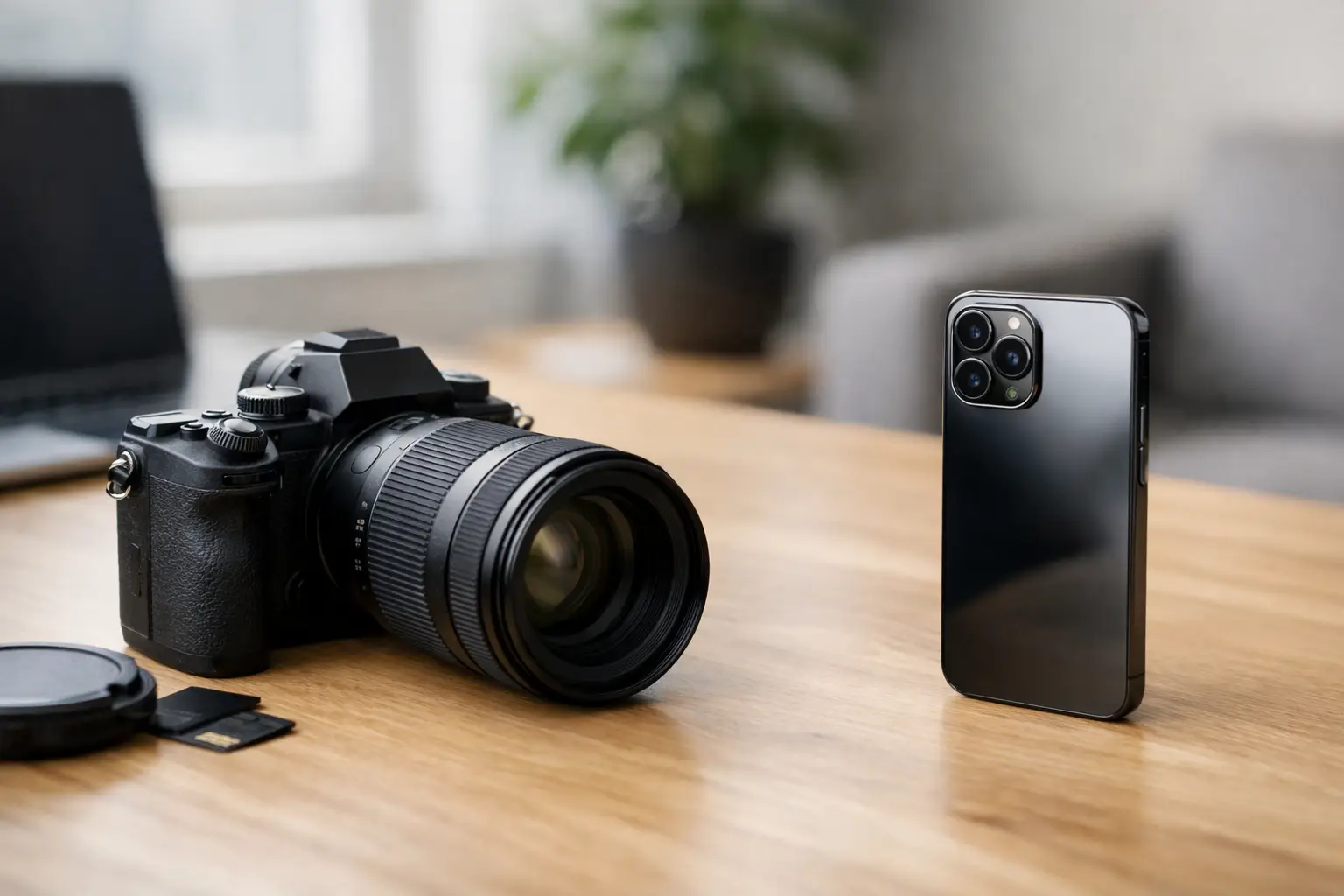
Your child blows out birthday candles once. A chef pulls a finished dish from the oven once. A client gives you 20 minutes in a poorly lit office once. In those moments, the mirrorless camera vs iPhone decision is not really about which device has the prettier spec sheet. It is about whether you can produce the file you need, fast enough, with enough control to use it later.
The iPhone has absorbed much of the casual camera market because it solves the complete job: capture, edit, caption, publish, and share from one device. A mirrorless camera remains the better specialist tool when light, motion, lens choice, or post-production latitude matter. The expensive mistake is buying either one based on internet arguments instead of your actual workflow.
Mirrorless Camera vs iPhone: Start With the Output
Before comparing sensors, ask what the image must do after it is captured. If it will live as a vertical social post, a family group text, a short-form video clip, or a travel journal, the iPhone is often the rational default. Its computational processing creates a polished image immediately, and its editing and distribution path has almost no friction.
If the file needs to become a large print, a brand campaign asset, a restaurant menu image, a paid portrait, or footage that will be color-graded with other cameras, a mirrorless body earns its place. It gives you a larger sensor, true optical options, more predictable manual control, and files that tolerate serious adjustment.
This distinction matters because a technically better image is not always a more useful one. A mirrorless RAW file sitting unedited on an SD card is less valuable than an iPhone image that was published while the moment still had relevance. Conversely, an iPhone image that falls apart under heavy editing can create costly limitations for a business that needs consistent visual assets.
Where the iPhone Wins Decisively
The iPhone is not merely a convenient backup camera. For many creators and operators, it is the primary capture system because it minimizes the number of handoffs between idea and distribution.
Speed is a production advantage
A good iPhone photo is available almost instantly. Portrait mode, automatic HDR, night processing, stabilization, image selection, basic edits, cloud backup, and publishing all happen within the same environment. That speed changes behavior. You document more, test more angles, and respond to opportunities that would be missed while a larger camera remains in a bag.
For a solo traveler, this can mean capturing a street scene without broadcasting that you are carrying expensive gear. For a small business owner, it means recording a quick product demo, sending it to a team member, and posting it before the day ends. For parents, it means fewer files trapped in a separate storage workflow.
Computational photography handles ugly light well
Modern iPhones can produce surprisingly usable scenes in difficult contrast, especially when the final destination is a phone screen. Multiple exposures, automatic tone mapping, and noise reduction rescue shots that older cameras would render as harsh shadows or blown-out windows.
That processing is especially effective for everyday documentation: dinners, interiors, quick headshots, receipts, whiteboards, and travel snapshots. The phone recognizes common scenes and makes a decision before you have time to touch a setting.
The trade-off is that the phone is making a decision. Skin can look over-smoothed, fine texture can turn painterly in low light, and bright edges can look artificial. For personal sharing, those compromises are usually acceptable. For commercial work, they can become visible fast.
Video publishing is simpler on a phone
For vertical video, an iPhone is often the most efficient system available. You can shoot, trim, add captions, record a voiceover, and publish from the same device. That is a real operational edge, not a shortcut for people who do not understand cameras.
A mirrorless camera can produce richer footage, but it introduces media transfer, battery management, editing software, storage, and often a separate audio setup. Use it when the improved image supports the project. Do not add that stack to a simple weekly content schedule unless someone owns the process.
Where a Mirrorless Camera Still Pulls Away
A mirrorless camera is valuable because it lets the photographer decide rather than accept the phone’s best guess. That is most visible in four situations: low light, motion, lens-dependent composition, and controlled post-production.
Sensor size changes the file, not just the blur
Larger sensors generally collect more light and preserve more information in shadows and highlights. In practical terms, this means a mirrorless camera can handle a dim restaurant, indoor event, or sunset portrait with cleaner detail and more natural transitions. The advantage is not limited to background blur, though a fast lens can produce separation that phone portrait modes still imitate imperfectly around hair, hands, glasses, and food edges.
For a food creator or restaurant operator, a mirrorless camera with a capable prime lens produces a more dimensional result on plated dishes, especially in mixed indoor light. Steam, reflective sauces, textured ceramics, and shallow depth of field all benefit from real optics and a controllable exposure.
Motion is less forgiving than a static scene
Phones have improved dramatically, but fast action still exposes their limits. Children running indoors, pets, live music, sports, and event work demand reliable autofocus, a usable shutter speed, and enough light to avoid muddy files.
A mirrorless camera with a bright lens can freeze motion without forcing the image into aggressive noise reduction. It also gives you physical controls that can be changed by feel. When a scene moves quickly, tapping through a screen is slower than working with dedicated dials.
Lenses create choices phones cannot replicate fully
An iPhone offers several useful fields of view, but a mirrorless system lets you build around the way you see. A wide lens can make a small hotel room feel intentional. A 50mm or 85mm equivalent can isolate a subject without relying on software. A telephoto lens can photograph a speaker from the back of a room or compress a distant landscape.
That flexibility is also the trap. Every lens adds cost, weight, decision fatigue, and packing complexity. Most owners do not need a five-lens kit. A compact mirrorless body paired with one versatile zoom or one fast prime is often a better system than a cabinet full of unused glass.
The Hidden Cost Is Workflow Friction
The purchase price tells only part of the story. A mirrorless setup needs batteries, memory cards, storage, a backup plan, cleaning supplies, and a repeatable transfer process. Add a microphone, tripod, or lighting when video is part of the assignment. None of this is excessive for paid work, but it is unnecessary overhead for casual documentation.
A practical mirrorless workflow starts with naming and backing up files the same day. Import images into a consistent folder structure, keep originals in at least two locations, cull immediately, and edit only the frames worth finishing. Without this discipline, the camera becomes an archive generator.
The iPhone has its own hidden costs. It consumes storage, encourages endless duplicate takes, and can blur the line between personal communication and work assets. If you use it for business content, create albums by project, back up the original files, and move final assets into a shared library rather than leaving them buried in the camera roll.
Choose by Scenario, Not Identity
If you are a creator building a publishing habit, start with the iPhone and improve your lighting, framing, audio, and consistency before buying a camera. Those variables will improve your output faster than a new body. A small tripod, a compact light, and a clean editing routine may be the highest-return upgrades.
If you are being paid for portraits, events, products, food, real estate, or long-form video, a mirrorless camera is a business tool. Buy it with a defined use case and budget for the supporting system. The body is only one component of a reliable production setup.
If you travel frequently, the answer can be both. Carry the iPhone for daily movement, maps, notes, spontaneous video, and low-profile street photography. Pack a mirrorless camera only when the destination, assignment, or personal project justifies its space. That is not indecision. It is using the right tool at the right point in the workflow.
The better camera is the one you will carry, understand, back up, and use with intent. Build your system around the work you want to make, then let the device disappear behind the result.