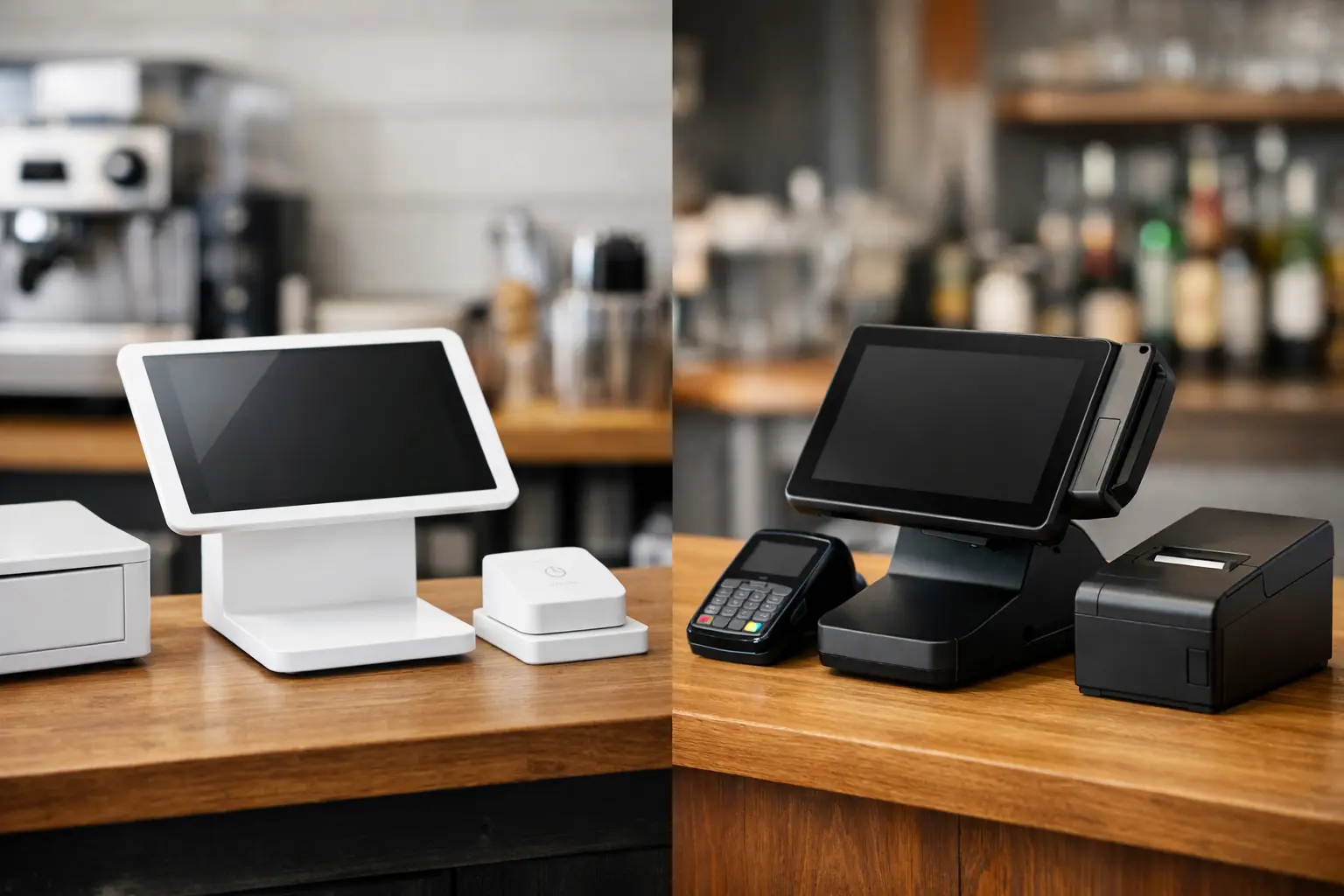
A rushed cashier taps the wrong modifier, a server closes a check under the wrong employee login, and a manager discovers a $300 cash variance after the dinner rush. None of these failures look dramatic in isolation. Together, they create missing revenue, distorted inventory, slower service, and tense end-of-night conversations. Learning how to prevent POS errors is less about finding a flawless system and more about designing a checkout workflow that makes the correct action easier than the incorrect one.
For restaurants, retailers, salons, and service businesses, the point-of-sale system is not just a payment terminal. It is where pricing, labor accountability, customer data, inventory, discounts, taxes, and daily cash controls meet. That makes it one of the highest-leverage systems in the business.
Treat POS Errors as Process Failures First
The instinct after a bad transaction is to blame the person who rang it in. Sometimes that is fair. More often, though, the error was invited by a confusing screen layout, vague discount rules, shared logins, inconsistent training, or a device that failed halfway through a payment.
Start by separating errors into three buckets: input errors, authorization errors, and system errors. Input errors include wrong items, quantities, modifiers, payment types, or tips. Authorization errors happen when staff apply discounts, refunds, voids, or price overrides without proper approval. System errors include connectivity drops, duplicate payment attempts, outdated menu data, printer failures, and integrations that do not sync.
This distinction matters because each category needs a different fix. Retraining a cashier will not solve a menu that places two near-identical products next to each other. Adding another manager approval step will not fix a payment terminal with an unstable network connection.
Build a POS Screen That Reflects Real Service
A cluttered POS menu is an error factory. If staff need to hunt through five categories to find a common item, they will rush, guess, or use an unofficial workaround. The system may technically contain the right option, but operationally it is failing.
Review your item layout during a real rush, not from an office chair. Watch where employees hesitate, back out of screens, or ask coworkers for help. High-volume items should be easy to reach. Common modifiers should appear in a logical sequence. Similar items need unmistakable names, especially if pricing or tax treatment differs.
For a restaurant, that may mean separating a standard burger from a build-your-own burger instead of relying on a long modifier chain. For retail, it can mean using clear product photos or SKU scans for visually similar items. For a salon, it may mean pairing services with standard durations and staff assignments so a front-desk employee does not have to reconstruct the appointment from memory.
The trade-off is that a simplified screen can hide edge cases. Do not remove uncommon options if customers regularly need them. Instead, keep the primary path clean and create a clear secondary route for exceptions. A good POS interface handles the 80 percent of transactions that repeat every day while giving trained employees a reliable path for the other 20 percent.
Standardize Naming, Pricing, and Modifiers
Every item should have one approved name, one current price source, and a defined tax status. Avoid casual naming conventions that change between locations or shifts. If one employee calls an item Cold Brew Large and another enters Large Iced Coffee, reporting and inventory become unreliable even when both transactions collect the right amount.
Modifiers deserve the same discipline. Require selections when they affect price, production, allergen information, or inventory. Make optional modifiers truly optional. A screen that forces staff through irrelevant choices may feel controlled, but it also encourages blind tapping.
Use Permissions to Reduce High-Cost Mistakes
Not every staff member needs access to every POS function. Broad permissions are convenient until a refund, drawer opening, or price override becomes impossible to trace.
Set role-based permissions around financial risk. Frontline employees may need to apply limited, predefined discounts. Shift leads may approve voids below a certain dollar threshold. Managers should control refunds, custom discounts, no-sale drawer opens, tax changes, and edits to item pricing. Owners or finance leads should retain access to system settings and user administration.
The objective is not to turn every customer interaction into a permission request. Excessive approvals slow the line and push staff toward workarounds. The better approach is to pre-approve common scenarios, such as a loyalty discount or a damaged-item exchange, while requiring a reason code and manager review for exceptions.
Individual employee logins are non-negotiable. Shared PINs erase accountability and make audit trails nearly useless. Use short, memorable codes, badge taps, or biometric login where appropriate, but never trade traceability for a few seconds of convenience.
Create Rules for Voids, Refunds, and Discounts
The transactions that deserve the most attention are not always the largest sales. They are the corrections. Voids, refunds, comps, split payments, manual entries, and discounts reveal where money can leak or reporting can become misleading.
Write a short policy that defines the difference between a void and a refund. In most setups, a void cancels a transaction before settlement, while a refund returns money after the original payment has been processed. Staff should know which action to use, when a customer receipt is required, and when a manager must be involved.
Require reason codes that are specific enough to be useful. Customer changed mind is not the same as duplicate charge, incorrect item, service recovery, or damaged merchandise. Over time, those codes become operating intelligence. A recurring wrong-item void could signal a menu-layout problem. Repeated service-recovery comps might point to an understaffed shift or a product-quality issue.
Review discount use by employee, location, daypart, and transaction type. A spike does not automatically mean misconduct. It can also reflect a new promotion that was not configured correctly. The point is to investigate patterns before they become normalized losses.
Train at the Register, Not Just in a Back Room
Most POS training fails because it is delivered as a one-time software tour. Employees click through sample transactions, then face a real line, a customer with a split tender, and a payment terminal that times out. Their confidence disappears when the scenario stops looking like the training environment.
Train new staff with the transactions they will actually process: cash and card sales, split payments, gift cards, discounts, returns, voids, offline payments if enabled, and end-of-shift checkout. Give them a short reference card for rare but high-risk events, such as a duplicate charge claim or a terminal that loses connection mid-payment.
Use a simple escalation rule: stop and ask before guessing on a transaction that changes the total, payment status, or customer balance. A brief pause is cheaper than a refund, chargeback, or angry customer follow-up.
Training also needs repetition. Ten-minute shift huddles work well when they focus on one error pattern from the prior week. If staff are repeatedly selecting the wrong tender type, show the correct sequence at the actual device. Keep it practical, specific, and free of public blame.
Maintain the Hardware and Network Behind the Sale
POS accuracy depends on physical infrastructure. A loose cable, dying battery, weak Wi-Fi signal, or receipt printer with a failing cutter can trigger rushed manual workarounds that create financial errors.
Give each shift a basic equipment check: terminals powered and connected, card readers responsive, receipt paper loaded, barcode scanners clean, cash drawers opening correctly, and backup devices charged. If your operation relies on tablets, secure them in stands that support constant use and keep charging cables out of high-traffic areas.
Network design is equally important. Payment terminals should not compete with guest Wi-Fi, streaming music, or staff personal devices on the same poorly configured connection. Use a stable, segmented network where possible, and confirm what your POS does during an outage. Some systems can queue transactions offline, but that feature carries risk because a card may later be declined. Staff need a clear policy for when offline mode is acceptable and when to request another payment method.
Reconcile Every Shift and Audit the Patterns
The best time to catch a POS discrepancy is before the employee leaves, the receipts disappear, and the details fade. Reconcile cash drawers, card batches, gift card activity, refunds, voids, and paid-outs at the end of each shift or business day.
The process does not need to be bureaucratic. It needs to be consistent. Compare expected cash to counted cash, document overages and shortages, and have a second person verify material variances. Set a threshold for escalation based on your transaction volume. A $10 discrepancy may warrant a note in a high-volume café, while the same amount could matter more in a low-ticket boutique with limited daily sales.
Then schedule a weekly review of exception reports. Look for repeat voids, unusually high discounts, frequent no-sales, refund clusters, duplicate transactions, and employees who need additional coaching. Numbers alone do not tell the whole story, but they tell you where to look.
A well-run POS system should feel almost boring during a busy shift. Staff know what to press, managers can see what happened, and customers are not asked to absorb the cost of internal confusion. That is the real standard: fewer corrections at the counter, cleaner data after close, and a business that can trust the numbers it uses to make decisions.