A smart lock earns its keep at 11:40 p.m., not during a product demo. That is when a tired parent is carrying groceries, a cleaner needs a one-time code, or a guest is standing outside after a delayed flight. Are smart locks reliable in those moments? Usually, yes, if the lock is chosen and installed as part of a door-access system rather than treated as a clever gadget.
The weak point is rarely the app alone. Reliability comes down to four things working together: the quality of the deadbolt, the condition and alignment of the door, the power plan, and the fallback method when wireless access fails. Get those right and a smart lock can be more dependable than a household key that has been copied, lost, or handed around without a record.
Smart lock reliability is a systems question
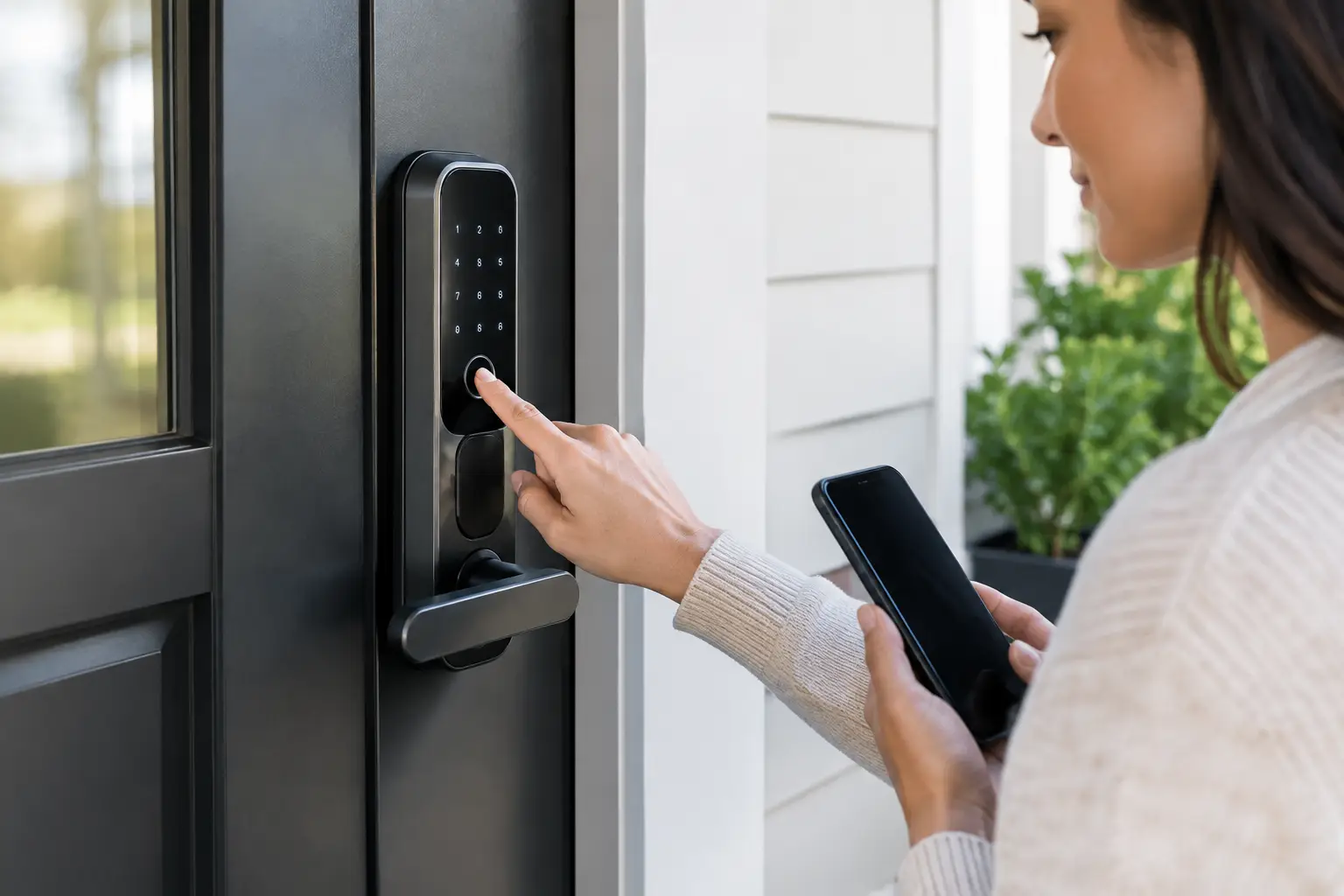
Most smart locks do not replace the core physical challenge of securing a door. They motorize or electronically control the deadbolt, then add credential options such as a keypad code, phone app, fingerprint reader, key fob, or physical key. A good model still needs a solid bolt, reinforced strike plate, and a door frame that can handle force.
That distinction matters because “smart” does not automatically mean “secure.” A bargain electronic lock on a loose, warped door is a weak setup. A well-built smart deadbolt on a properly aligned exterior door can be highly reliable, even if its internet connection drops for a day.
For homeowners, the practical comparison is not smart lock versus a perfect mechanical lock. It is smart lock versus the real behavior of a household. If multiple family members, dog walkers, contractors, and visitors need access, coded entry creates better control. You can issue access, limit it to a time window, and remove it without collecting keys. That reduces the most common operational failures around home access: forgotten keys, untracked copies, and last-minute lockouts.
Where smart locks actually fail
A serious assessment starts with failure modes, not marketing features. Smart locks can fail, but their failures are usually predictable and manageable.
Batteries are the primary concern
Battery anxiety is reasonable, but modern locks are designed around it. Most run on standard AA batteries and send low-battery alerts well before they stop operating. The problem is not that batteries die without warning. The problem is that homeowners ignore app notifications, disable them, or assume a keypad that still lights up has enough charge to move the bolt.
Set a recurring reminder to replace batteries every six to 12 months, depending on traffic, climate, and lock model. Use fresh, name-brand alkaline batteries unless the manufacturer explicitly approves rechargeable cells. Rechargeables can report voltage differently and may produce unreliable low-battery readings.
A reliable lock should also offer an emergency power option, typically a 9-volt battery contact on the exterior keypad, plus a physical keyway or another independent entry method. Before installation day is over, test that fallback method. Do not discover how it works while locked out in the rain.
Door alignment causes more trouble than connectivity
A motor cannot compensate indefinitely for a deadbolt that scrapes the strike plate. If you have to lift, pull, or shove the door to lock it manually, the smart lock will strain too. That can drain batteries, create intermittent jams, and eventually damage the actuator.
Test the existing deadbolt with the door open and closed. It should turn smoothly in both conditions. If it binds only when closed, adjust the strike plate, tighten loose hinges, or address swelling and seasonal movement before installing the smart lock. This is unglamorous work, but it has more impact on reliability than choosing between Bluetooth and Wi-Fi.
Wireless failure is inconvenient, not always a lockout
Bluetooth, Wi-Fi, and proprietary hubs serve different purposes. Bluetooth lets a phone communicate with the lock at close range. Wi-Fi or a bridge enables remote control, live status checks, and notifications from away from home. If Wi-Fi goes down, the physical lock often still works with a keypad, fingerprint reader, key, or local Bluetooth connection.
That is why remote access should not be your only access plan. A smart lock that requires cloud connectivity to admit someone is a poor fit for a primary entry door. Treat remote control as a management layer, not the foundation of the system.
Apps and accounts add a new kind of dependency
Mechanical locks do not need passwords. Smart locks do. A lost phone, expired email account, weak password, or poorly handled shared login can create access friction that a key never would.
Use a unique account password and turn on two-factor authentication when available. Give each adult household member their own account or credential instead of sharing one master login. For guests and service providers, issue temporary codes rather than your permanent household code. The point is not paranoia. It is maintaining a clean access record when life gets busy.
How reliable are smart locks against break-ins?
A smart lock is not automatically harder to defeat than a traditional deadbolt. Physical security depends on the lock’s construction, the bolt throw, the strike plate screws, the door frame, and whether the door has glass nearby. Many forced entries target the frame and strike area, not the cylinder.
Look for locks with recognized ANSI/BHMA grading where applicable. Grade 1 is generally the strongest residential classification, while Grade 2 is common and suitable for many homes. The rating is not the entire buying decision, but it gives you a more meaningful baseline than a product page full of vague security claims.
Also assess the exterior hardware. If a lock has a physical keyway, its cylinder quality matters. If it uses a keypad, make sure the keypad does not expose easy-to-guess patterns through worn buttons or lax code management. Use a non-obvious code, delete former users promptly, and avoid placing your street address or family name near the entry point.
For apartments and rentals, confirm building rules before replacing hardware. A smart lock can be excellent for managing access, but it must not interfere with fire-code requirements, landlord keys, or emergency entry procedures. Renters may prefer retrofit models that fit over an existing interior thumbturn and preserve the exterior hardware.
The setup that makes a smart lock dependable
The strongest setup has layers. Your daily method might be a keypad code or fingerprint. Your backup might be a physical key carried by one trusted person, an emergency battery contact, or a concealed mechanical key stored according to your risk tolerance. The point is to avoid one-point failure.
Before relying on the lock, run a short real-world test:
- Lock and unlock it 20 times with the door fully closed.
- Test every credential type your household will use, including guest codes.
- Simulate a dead phone and a Wi-Fi outage.
- Confirm that low-battery alerts reach at least two adults.
- Verify that the door auto-lock setting does not trap someone outside during normal routines.
Auto-lock deserves special attention. It is useful for households that routinely leave the door unsecured, but a 30-second timer can become annoying when bringing in groceries or moving between a garage and home. Choose a timer that matches actual behavior, and make sure everyone understands whether the door is merely closed or truly locked.
Who should avoid a smart lock?
Smart locks are not for everyone. A remote cabin with inconsistent power, no dependable cellular service, and harsh weather may be better served by a high-quality mechanical deadbolt or a smart model with a thoroughly tested physical-key backup. People who strongly prefer no app accounts, no batteries, and no digital access logs should not buy technology that will create more maintenance than value.
They are also a poor choice when the door itself needs work. Fix the frame, hinges, weather stripping, and strike alignment first. Access control cannot compensate for neglected hardware.
For most busy homes, though, the reliability equation is favorable. A good smart lock reduces key chaos, creates an audit trail of access, and gives the household a better recovery plan than hoping someone left a spare under the mat.
Choose the lock after you inspect the door, not before. The most dependable model is the one whose backup access, power routine, and physical installation still work on the least convenient day of the year.